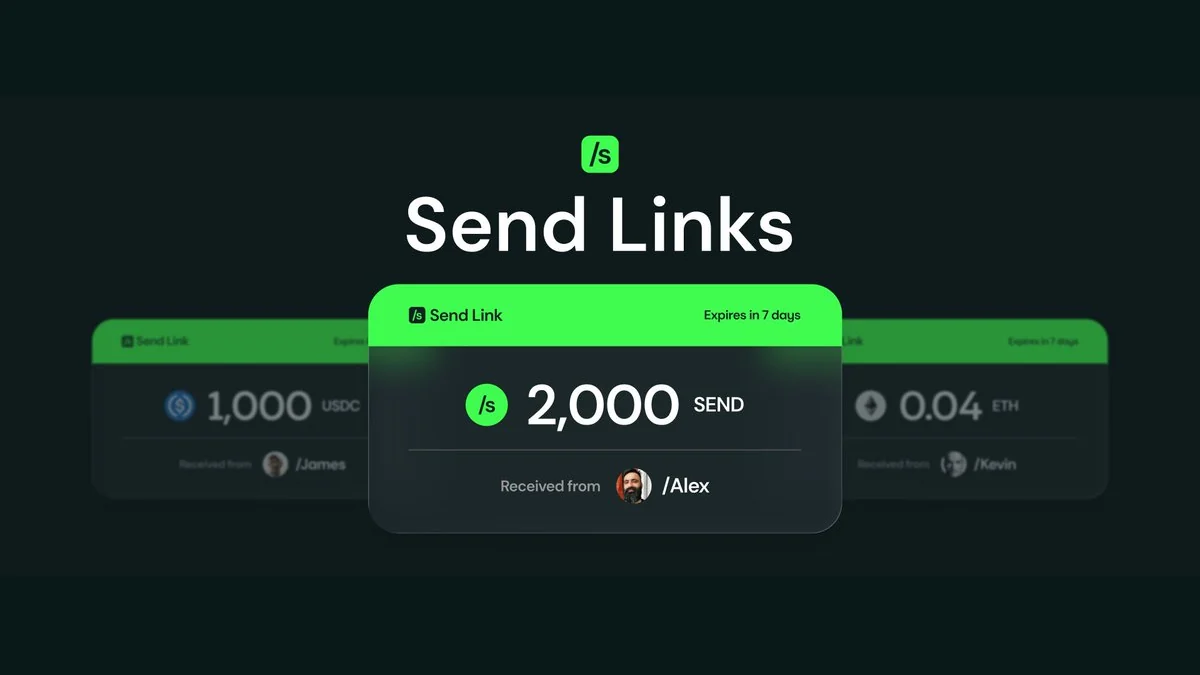

Sending money should be as easy as sending a text.
Then crypto came along and decided to complicate things with long strings of characters that assume both sides know exactly what they are doing, on the right chain, at the right time. It works, but only if everything goes right.
You copy. You paste. You double-check. You hope nothing breaks.
Send Links removes removes the friction.
Instead of asking where to send funds, you create a link.
Instead of coordinating wallets, you share it .
Instead of hoping it arrives, they claim it.
How It Works
For Senders
Tap the 'Send' button ➜ Select 'Actions' ➜ Click 'Send via Link'.
➜ Choose the token, enter the amount, and set an expiration date.
You can optionally include a note to provide context for the recipient.
Once confirmed, you will receive a unique claim link. Share it through any channel (text, messaging app, email etc.)
You can track every link you create from the Manage Links screen, where each link is labeled clearly as Pending, Claimed, Expired, or Canceled.
For Recipients
Receiving funds is just as simple.
➜ Click the link.
➜ If you already have a Send account, sign in and claim.
➜ If you do not, create one and claim immediately.
Once claimed, the funds are added directly to your wallet.
What Makes Send Links Different
- No Addresses Required - You do not need to know where someone is onchain. The link handles the delivery.
- Multi-Token Support - You can select one token in single link, including @USDC , $SEND, and other supported assets.
- Expiration Control - Every link has a defined lifecycle. If it is not claimed within the time you set, you can reclaim the funds or they'll expire on it's own after the time-period has passed.
- Context Built In - Add a message to every link. The recipient sees it when they claim.
- Full Visibility - Track every link you send or receive, including status, timestamps, and transaction details.
Security and Control
Every Send Link is secured by smart contracts on Base.
Only someone with the link can claim the funds, which makes sharing intentional. If a link is no longer needed, it can be canceled and the funds returned to the sender.
Recipients do not pay gas to claim while /senders pay a small USDC fee to create or cancel links.
The control stays with you throughout the process.
FAQ
Q: What happens if I lose the claim link? A: You can cancel the link from the "Manage Links" screen to recover your funds, then create a new link.
Q: Can I send a link to someone without a Send account? A: Yes! They can register for a Send account when they open the claim link.
Q: How long do links last? A: You set the expiration when creating the link. After expiration, you can reclaim the funds.
Q: Can I cancel a link after sending? A: Yes, you can cancel any unclaimed link from the "Manage Links" screen. A small fee applies.
Q: What tokens can I send via Send Link? A: You can send any supported token on Send, including USDC and SEND.
New to Send?
Purchase your unique /sendtag
Deposit $25 USDC into the Send Savings Vault
Hold 3,000$SEND