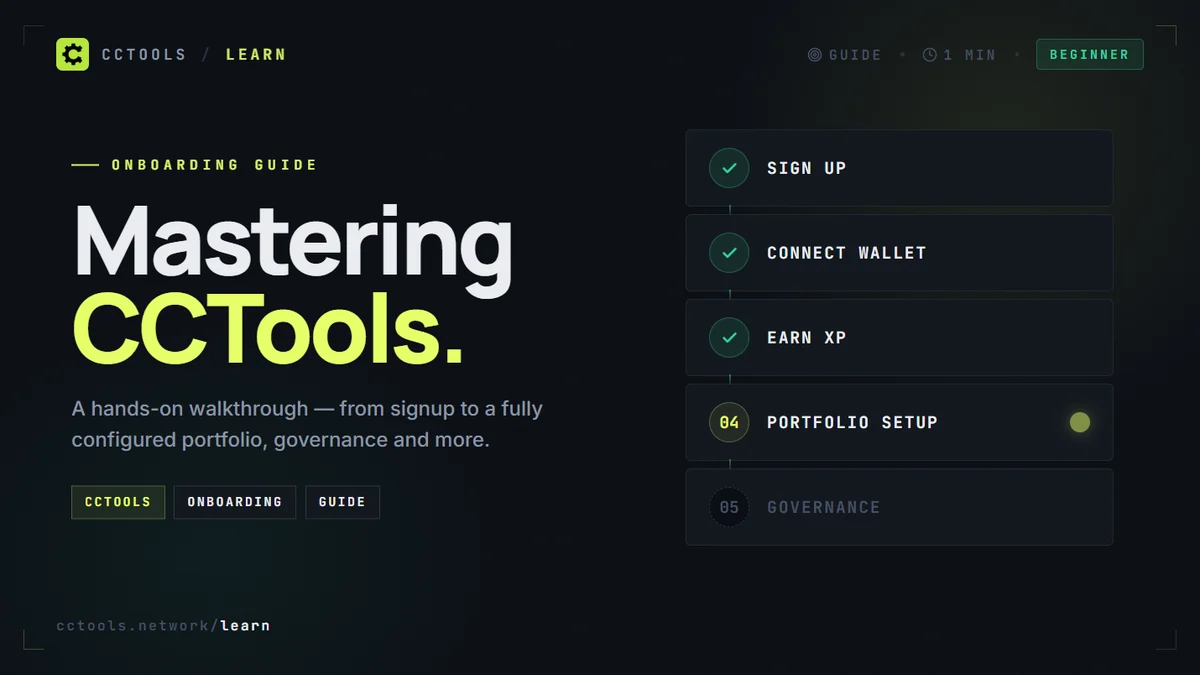

Your goal
By the end of this guide you'll have a working CCTools account, a connected wallet, a portfolio view of your Canton holdings, and you'll know how to use the leaderboards, governance feed, and Featured Apps directory to track what's happening on the network day-to-day.
Before you start
- [object Object]
- [object Object]
- [object Object]
What you'll build
A fully-configured CCTools profile: wallet-connected portfolio, gamification level ≥ 3, at least one ecosystem upvote cast, governance notifications enabled, and a first Academy post read. This is the baseline setup most Pro users reach in their first session.
Steps
01 Create your CCTools account
Go to /signup and pick magic-link login (fastest). You'll get an email with a single click-to-sign-in link. Once inside you'll land on the Overview page — live Canton price, traffic, and network stats.
Your account starts at Level 1 · Newcomer with 0 XP. Every action (connecting a wallet, voting, submitting a post) earns XP and builds reputation.
Tip
If you use Google login you'll skip the email step entirely. Both methods create the same account type.
Expected result
You land on /overview with your avatar in the top-right corner and Level 1 shown in the sidebar profile card.
02 Connect your first Canton wallet
Click Portfolio in the sidebar, then Add wallet. Paste your party address — the long string that looks like username::1220abcd.... CCTools will verify the address on-chain and start ingesting your balance, rewards history, burns, and transfers.
You can add multiple addresses. The portfolio aggregates all of them into a single CC total, USD value, and reward timeline.
# Example party address format
alice::1220abf3e9d2...4f91

# NOT your email, NOT your profile slug —
# the on-chain identifier from your Canton wallet.
Heads up
CCTools is read-only with your wallet. We never request signing keys or write access. If a prompt ever asks for a private key, close it immediately.
Expected result
Portfolio shows a CC balance, a 30-day reward sparkline, and a 'Hydrating…' indicator that clears within 60 seconds.
03 Skim the Overview dashboard
The Overview page is your 90-second daily read. Top row: CC price, 24h volume, market cap, circulating supply. Middle: traffic (on-chain messages/min), burn rate, active validators. Bottom: what's happening right now — new governance proposals, fresh academy posts, trending ecosystem projects.
Everything on this page refreshes every 5 minutes from Lighthouse + CoinGecko + our internal Canton indexer.
Tip
Bookmark /overview as your browser homepage. Most Pro users check it once per day like a market open.
04 Explore the ecosystem directory
Click Ecosystem — this is a curated directory of every project building on Canton. Each card shows the project's category (DeFi, RWA, infra), team, socials, and a composite score based on transparency, activity, community, and docs.
Open a project detail page and you'll see: on-chain parties, reward share, engagement metrics, and (for some) a live token chart. Upvote the ones you actually use — your upvotes count toward the Ecosystem leaderboard and reward the project's team.
Tip
The 'Compare' tool (/ecosystem/compare) lets you put 2-4 projects side by side on score, rewards, and activity. Useful before allocating capital.
05 Read a Featured App detail page
From Featured Apps, click into any app (e.g. Digital Asset). You'll see: the rank in the issuance pool, total CC rewards all-time, on-chain party addresses, reward share percentage, and the last 30 rounds of rewards with USD value.
This is the most important page if you care about who's actually earning from the Canton economy. The rankings update every 10 minutes.
Expected result
The app detail shows a rank badge (#1 amber, #2 silver, #3 bronze), a rewards table, and a link out to /ecosystem if the app is registered.
06 Track governance in real time
Click Governance. You'll see active proposals — each with weight, status (In Progress / Executed / Rejected), SV vote tally, and a 'days left' countdown. Pro users can enable push notifications (Settings → Notifications → Governance) to get pinged the moment a new proposal lands.
CIP numbers in the titles link to the full proposal text. Most proposals are routine (price feed updates, SV rotations) but occasional ones reshape the network (protocol upgrades, issuance tweaks).
Tip
Governance proposals typically run for 7 days. If you see one with less than 24h left and you care about the outcome, that's your signal to engage.
07 Level up by doing things
CCTools has a gamification layer. Every meaningful action earns XP:
Connecting your first wallet: +50 XP Casting an upvote on ecosystem / academy: +5 XP Submitting an ecosystem project: +200 XP Publishing an Academy post: +300 XP Weekly streak bonus: +25 XP
Levels map to tier names (Newcomer → Explorer → Analyst → … → Canton OG at Level 46+). Your level appears on your public profile, on the leaderboard, and on anything you publish in Academy.
Expected result
After completing steps 1–6 you should be at roughly Level 3 · Explorer with 80+ XP. Check Profile → Overview to verify.
Troubleshooting
0
[object Object]
1
[object Object]
2
[object Object]
3
[object Object]
Key takeaways
- CCTools is the 'reader' side of Canton — network state, rewards, governance, directory — without needing to run your own node.
- Connect your wallet once. From there every view (Portfolio, Overview, leaderboard) knows who you are.
- Actions earn XP. XP unlocks levels, reputation, and badges that show up next to your name across the app.
- Governance is the lever that matters — enable notifications so you don't miss proposals that affect you.
Further reading
- CCTools Overview — Your daily dashboard — price, traffic, trending.
- Ecosystem directory — Every project building on Canton, with scores and links.
- Featured Apps leaderboard — Who's earning from the issuance pool, ranked.
- Governance feed — Live proposals with SV vote tallies.
- Academy — Long-form articles and guides — this series included.