
Cancore has introduced dedicated bot accounts for automated trading on Canton. Each bot has its own address and balance, letting software trade with funds assigned by the owner without asking for approval on every transaction.
Access is opening in stages. The current developer guide limits the feature to Cancore’s internal users; the My bots section will appear in wallet settings when an account has access.
From approving trades to setting a budget
Cancore is a trading platform for exchanging Canton assets and moving between Canton and other blockchains. Its services include a USDCx–USDC route between Canton and Ethereum.
Its earlier AI-assisted trading feature leaves the final decision with the user. An assistant prepares a request, then the owner checks and approves it in the wallet before funds move. That option remains available.
With a dedicated bot, the owner transfers a chosen amount to the bot account and gives their trading program that account’s private key—the credential used to approve transactions. The program can then trade on its own. That key controls only the bot’s balance, leaving the main wallet and other bots outside its reach.
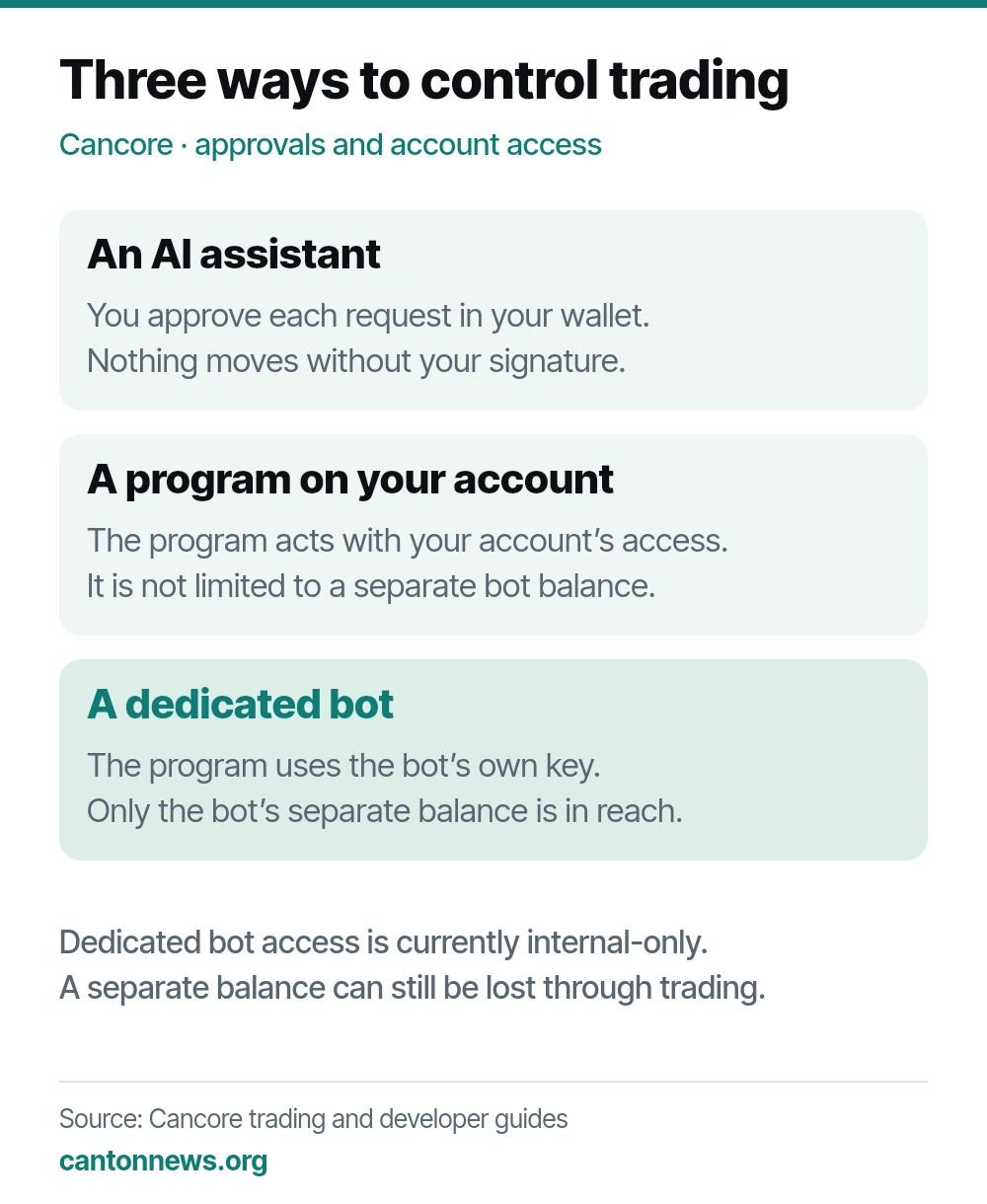 Cancore’s three trading routes differ in who approves transactions and which account the software can access. Cancore’s trading guide.
Cancore also supports software signed into the owner’s ordinary account, which gives it the account holder’s access. Dedicated bots let owners assign a separate trading balance instead.
Five accounts, each with its own balance
Each owner has a lifetime limit of five bot accounts. Creating them requires a Cancore wallet holding its recovery phrase, the backup used to restore the wallet. A wallet imported using only a private key cannot create bots. The wallet generates each bot’s key on the owner’s device without sharing the recovery phrase with the trading program.
The wallet shows each bot’s balances, orders and recent trades. Bots pay their own fees, including network fees in CC. They cannot trade with their owner or with another bot belonging to the same owner. The owner and bots share an hourly limit on new orders.
Stopping and withdrawing are different actions
The wallet’s Stop control blocks new trading and cancels open orders, except those with a trade already under way. Those trades continue to completion. The separate Withdraw control moves funds from the bot back to the owner’s wallet.
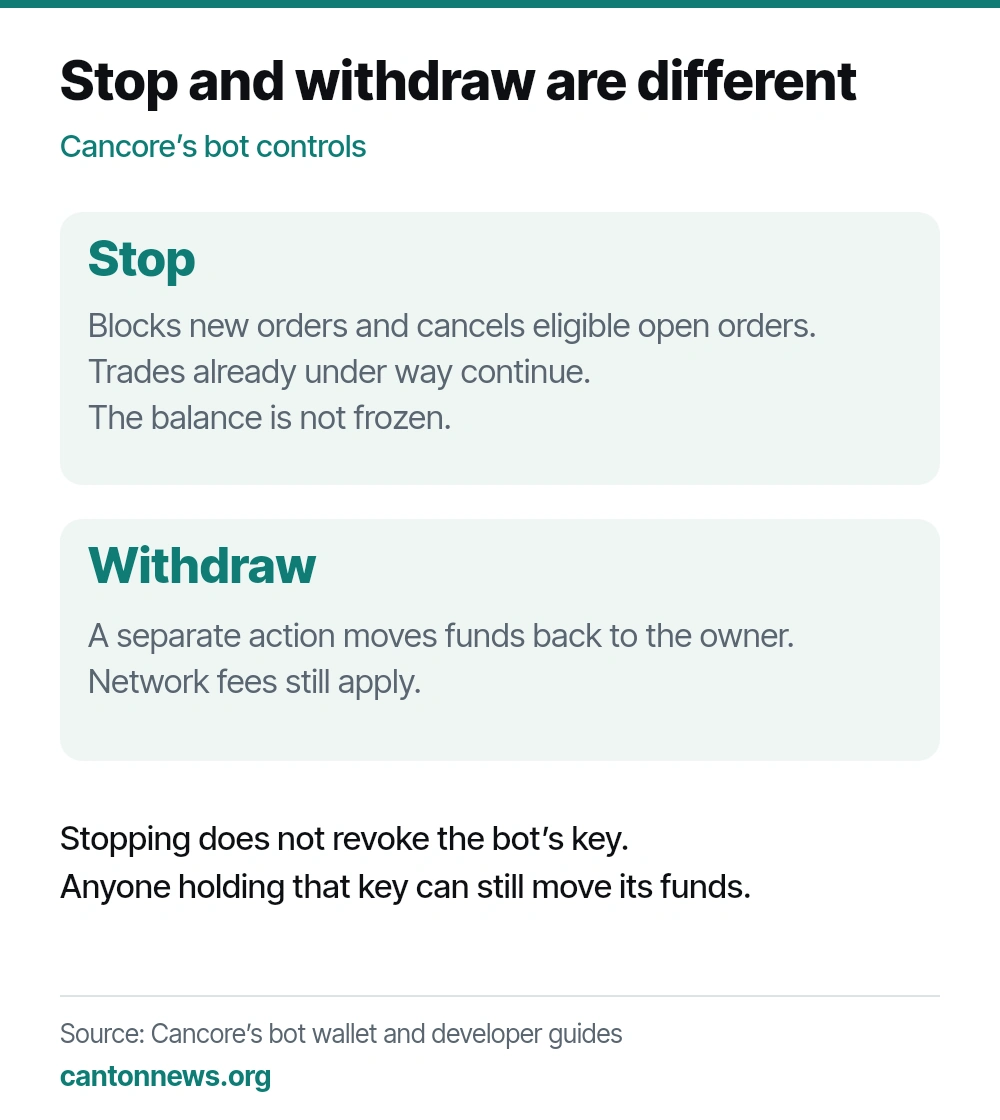 Stopping controls trading. Withdrawing separately returns funds to the owner’s wallet, while any trade already under way continues. Cancore’s wallet guide.
A bot’s private key cannot be replaced. Anyone who obtains it can move that bot’s balance, even when trading is stopped. Cancore’s developer guidance tells owners to empty a compromised bot and stop using it.
What this adds for Canton traders
For someone testing automated trading, separate balances make it easier to assign a budget and review each strategy’s activity. A program can use the funds allocated to its bot while the rest of the owner’s wallet stays separate.
Owners still have to choose and run the trading software, and losses can consume the balance they assign. Anyone who wants to check each decision can keep using the existing assistant-led route and approve transactions individually.